aws • finops
Create a Highly Secure S3 Static Site with CloudFront
Build a private S3 static website fronted by CloudFront, ACM TLS, and Route 53 using Terraform with security-first defaults.
• 5 min read
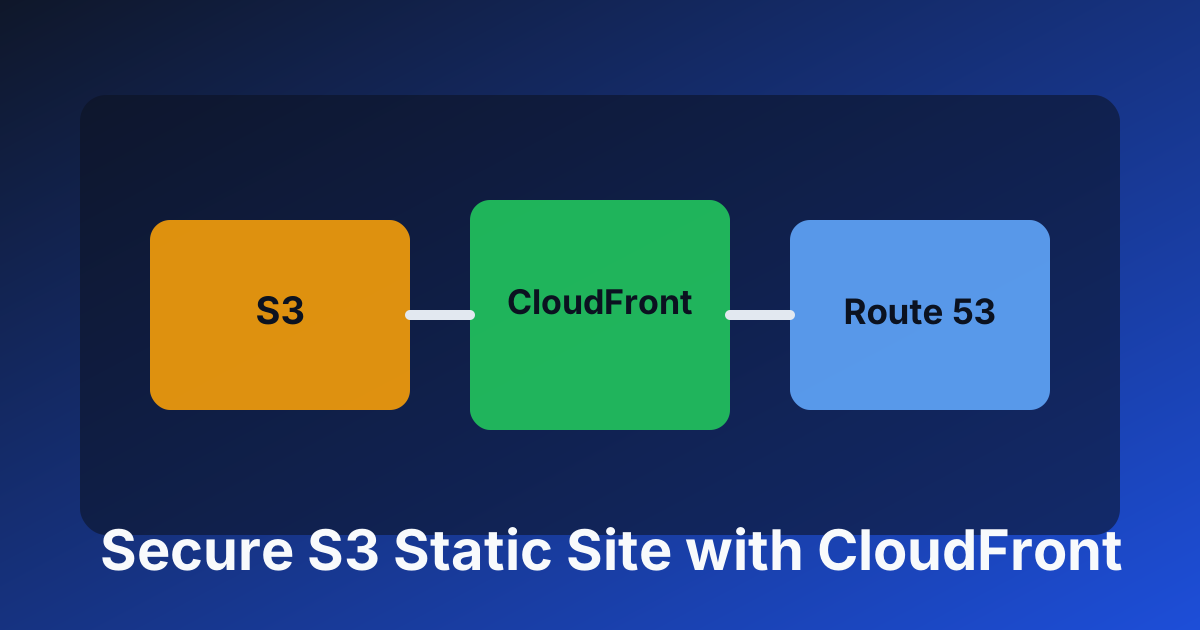
This project walks through building a security-first static website stack on AWS using S3, CloudFront, ACM, and Route 53.
The goal is simple: keep your S3 bucket private, serve content only through CloudFront, and enforce HTTPS everywhere.
Before You Start
Use this checklist before deploying:
- Install VS Code: https://code.visualstudio.com/
- Install Terraform: https://developer.hashicorp.com/terraform/install
- Install AWS CLI: https://aws.amazon.com/cli/
- Configure AWS CLI: run
aws configure - Install
jq(optional) - Install Git
- Confirm IAM permissions (
AdministratorAccessor scoped equivalents for S3, CloudFront, ACM, Route 53, KMS, and WAF) - Ensure you control a Route 53 hosted zone, such as
myawesomecode.com
Step 1: Set Up a Private S3 Bucket
For a secure static site, we need to:
- Create an S3 bucket.
- Enable KMS encryption.
- Block all public access.
- Allow object reads only from CloudFront.
- Upload an
index.htmlfile.
Step 1.1: Create the bucket
resource "aws_s3_bucket" "static_site" {
  bucket = "myawesomecode-static-site"
}
Step 1.2: Enable KMS encryption
resource "aws_kms_key" "s3_encryption" {
  description         = "KMS key for S3 encryption"
  enable_key_rotation = true
}

resource "aws_s3_bucket_server_side_encryption_configuration" "s3_encryption" {
  bucket = aws_s3_bucket.static_site.id

  rule {
    apply_server_side_encryption_by_default {
      kms_master_key_id = aws_kms_key.s3_encryption.arn
      sse_algorithm     = "aws:kms"
    }
  }
}
Step 1.3: Block public access
resource "aws_s3_bucket_public_access_block" "block" {
  bucket                  = aws_s3_bucket.static_site.id
  block_public_acls       = true
  block_public_policy     = true
  ignore_public_acls      = true
  restrict_public_buckets = true
}
Step 1.4: Bucket policy for CloudFront-only access
resource "aws_s3_bucket_policy" "private_access" {
  bucket = aws_s3_bucket.static_site.id

  policy = jsonencode({
    Version = "2012-10-17",
    Statement = [
      {
        Sid    = "AllowCloudFrontAccessOnly",
        Effect = "Allow",
        Principal = {
          Service = "cloudfront.amazonaws.com"
        },
        Action   = "s3:GetObject",
        Resource = "${aws_s3_bucket.static_site.arn}/*",
        Condition = {
          StringEquals = {
            "AWS:SourceArn" = aws_cloudfront_distribution.site.arn
          }
        }
      }
    ]
  })
}
Step 1.5: Upload a demo page
resource "aws_s3_object" "index_html" {
  bucket       = aws_s3_bucket.static_site.id
  key          = "index.html"
  content      = "<html><body><h1>Welcome to myawesomecode.com</h1></body></html>"
  content_type = "text/html"
}
At this point you have a private, encrypted origin bucket with CloudFront-only read access.
Step 2: Configure ACM for HTTPS
CloudFront requires ACM certificates in us-east-1.
Step 2.1: Resolve Route 53 zone
data "aws_route53_zone" "myawesomecode" {
  name         = "myawesomecode.com."
  private_zone = false
}
Step 2.2: Request ACM certificate
resource "aws_acm_certificate" "ssl_cert" {
  domain_name               = "myawesomecode.com"
  validation_method         = "DNS"
  subject_alternative_names = ["*.myawesomecode.com"]

  lifecycle {
    create_before_destroy = true
  }
}
Step 2.3: Validate certificate via DNS
locals {
  unique_validation_options = {
    for dvo in aws_acm_certificate.ssl_cert.domain_validation_options :
    dvo.resource_record_name => {
      name   = dvo.resource_record_name
      record = dvo.resource_record_value
      type   = dvo.resource_record_type
    }...
  }
}

resource "aws_route53_record" "ssl_cert_validation" {
  for_each = local.unique_validation_options

  zone_id = data.aws_route53_zone.myawesomecode.zone_id
  name    = each.value[0].name
  type    = each.value[0].type
  ttl     = 60
  records = [each.value[0].record]
}

resource "aws_acm_certificate_validation" "ssl_cert_validation" {
  certificate_arn         = aws_acm_certificate.ssl_cert.arn
  validation_record_fqdns = [
    for record in aws_route53_record.ssl_cert_validation : record.fqdn
  ]
}
Step 3: Configure CloudFront
Step 3.1: Create Origin Access Control (OAC)
resource "aws_cloudfront_origin_access_control" "oac" {
  name                              = "myawesomecode-static-site-oac"
  origin_access_control_origin_type = "s3"
  signing_behavior                  = "always"
  signing_protocol                  = "sigv4"
}
Step 3.2: Create distribution
resource "aws_cloudfront_distribution" "site" {
  origin {
    domain_name              = aws_s3_bucket.static_site.bucket_regional_domain_name
    origin_id                = aws_s3_bucket.static_site.id
    origin_access_control_id = aws_cloudfront_origin_access_control.oac.id
  }

  aliases = ["myawesomecode.com", "www.myawesomecode.com"]

  enabled             = true
  is_ipv6_enabled     = true
  default_root_object = "index.html"

  default_cache_behavior {
    allowed_methods        = ["GET", "HEAD"]
    cached_methods         = ["GET", "HEAD"]
    target_origin_id       = aws_s3_bucket.static_site.id
    viewer_protocol_policy = "redirect-to-https"

    forwarded_values {
      query_string = false
      cookies { forward = "none" }
    }
  }

  viewer_certificate {
    acm_certificate_arn      = aws_acm_certificate_validation.ssl_cert_validation.certificate_arn
    ssl_support_method       = "sni-only"
    minimum_protocol_version = "TLSv1.2_2021"
  }

  restrictions {
    geo_restriction {
      restriction_type = "whitelist"
      locations        = ["US"]
    }
  }
}
Step 3.3: Add a cache policy
resource "aws_cloudfront_cache_policy" "optimized_cache" {
  name        = "optimized-cache-policy"
  comment     = "Optimized caching for static site"
  default_ttl = 86400
  max_ttl     = 31536000
  min_ttl     = 3600

  parameters_in_cache_key_and_forwarded_to_origin {
    cookies_config {
      cookie_behavior = "none"
    }

    headers_config {
      header_behavior = "none"
    }

    query_strings_config {
      query_string_behavior = "none"
    }
  }
}
Step 4: Point DNS to CloudFront with Route 53
Step 4.1: Root domain alias
resource "aws_route53_record" "cloudfront_alias" {
  zone_id = data.aws_route53_zone.myawesomecode.zone_id
  name    = "myawesomecode.com"
  type    = "A"

  alias {
    name                   = aws_cloudfront_distribution.site.domain_name
    zone_id                = aws_cloudfront_distribution.site.hosted_zone_id
    evaluate_target_health = false
  }
}
Step 4.2: www alias
resource "aws_route53_record" "cloudfront_alias_www" {
  zone_id = data.aws_route53_zone.myawesomecode.zone_id
  name    = "www.myawesomecode.com"
  type    = "A"

  alias {
    name                   = aws_cloudfront_distribution.site.domain_name
    zone_id                = aws_cloudfront_distribution.site.hosted_zone_id
    evaluate_target_health = false
  }
}
Outcome
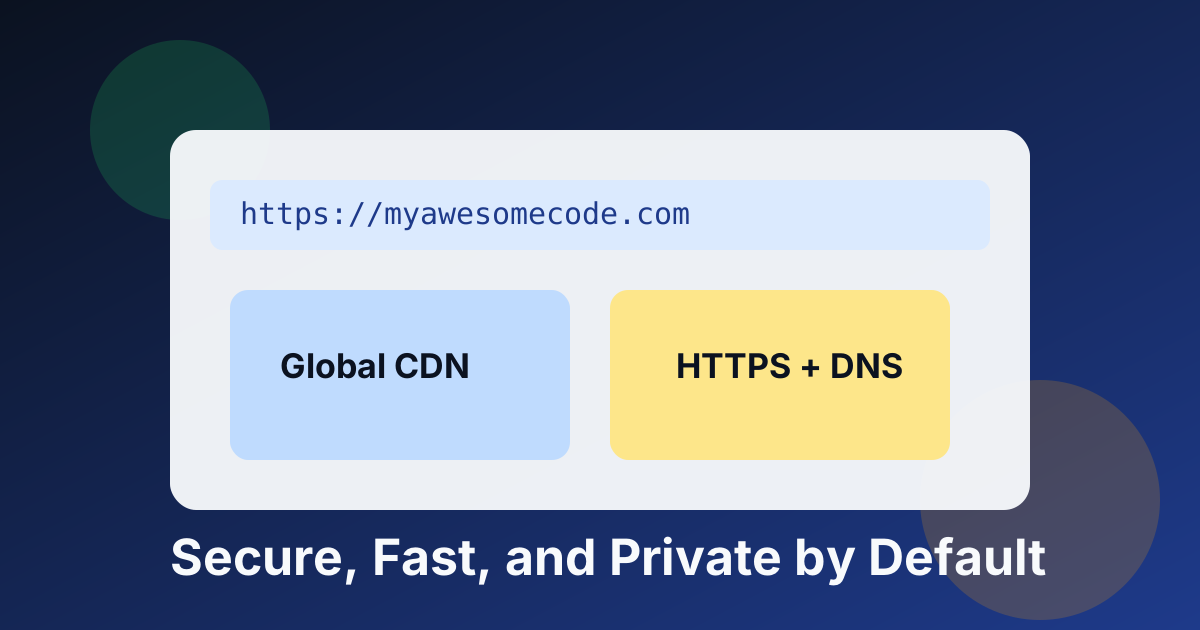
You now have a static site that is:
- Private at origin (S3 not publicly readable)
- TLS-enforced (HTTPS through CloudFront + ACM)
- Globally cached for performance
- DNS-routed cleanly with Route 53
Final Notes
Good next improvements:
- Add custom CloudFront error pages
- Enable access logging and CloudWatch metrics
- Add AWS WAF in front of CloudFront
- Automate deploys with CI/CD and invalidations
Security and speed are not competing goals here. With the private-origin pattern, you get both.